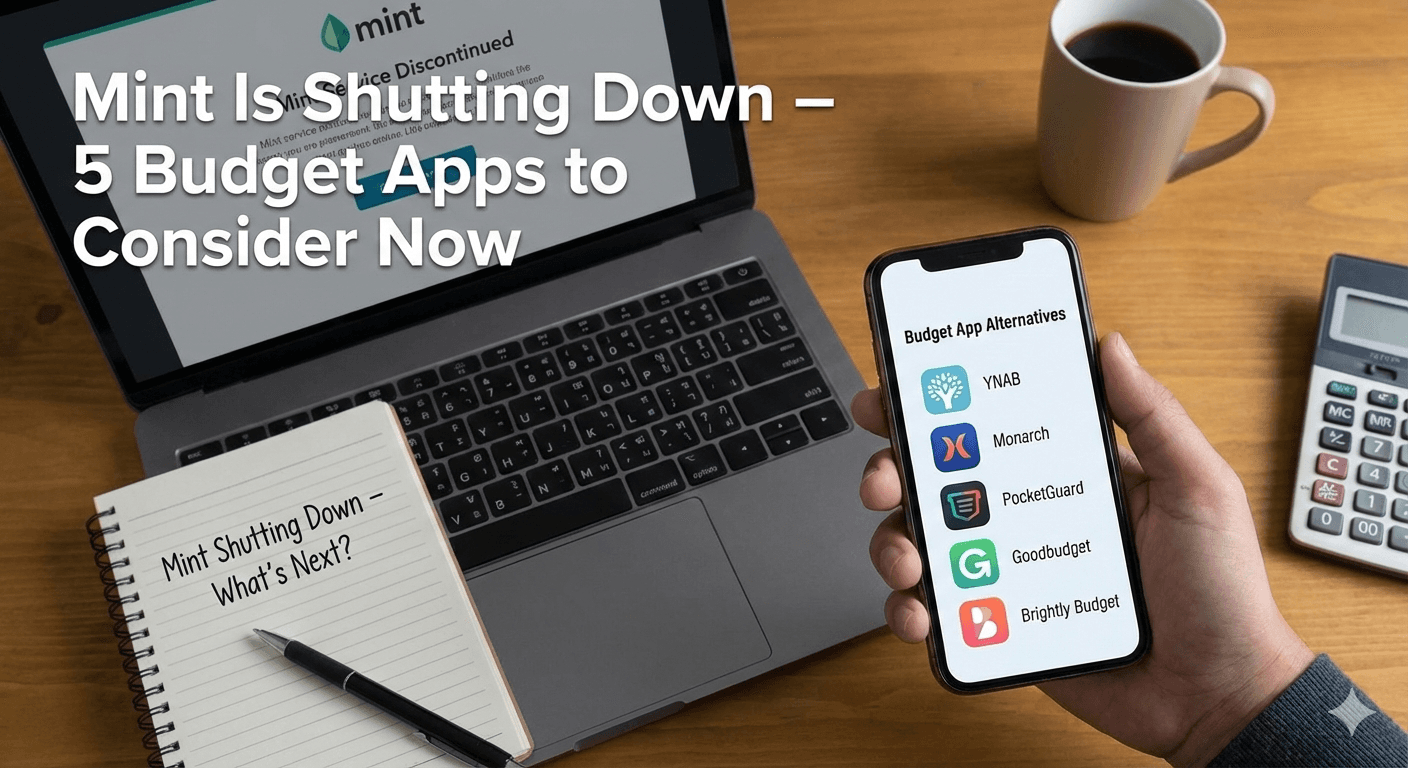
Mint Is Shutting Down – 5 Budget Apps to Consider Now
If you used Mint, you’re not alone. For years, it was the default “free budgeting app” recommendation.
But if you’re looking for a replacement, you’ll want to choose based on how you actually budget—not just what’s popular.
(Important: app pricing/features change often—always double-check before committing.)
Step 1: Decide what you really need
Before you download anything, answer these:
- Do you want automatic bank syncing, or are you okay with manual entry?
- Do you want a strict method (like zero-based budgeting), or a simpler overview?
- Do you need shared budgeting (couples/family)?
- Do you want goals + sinking funds?
- How important is privacy and “no ads” to you?
Your answers will narrow the field fast.
What to do before you switch
Most budgeting app switches go better if you:
- Export any data you can (transactions/categories)
- List your recurring bills and due dates
- Decide on categories you’ll keep long-term (keep it simple)
- Accept that month #1 is a setup month (it gets easier after)
5 budgeting apps to consider (plus a spreadsheet option)
Below is a quick, practical overview of popular alternatives.
1) YNAB (You Need A Budget)
Best for: People who want a method, not just a tracker Why it works: Strong zero-based approach, encourages planning ahead Watch out for: Learning curve (it’s powerful, but not “instant simple”)
2) Monarch Money
Best for: People who want a polished all-in-one dashboard (often great for couples) Why it works: Clear reporting + strong overview features Watch out for: Paid product; worth it if you’ll use it consistently
3) PocketGuard
Best for: People who want a “how much can I spend?” view Why it works: Good for reducing overspending and staying within limits Watch out for: If you like very detailed planning, you might want something deeper
4) Goodbudget
Best for: Envelope-style budgeting fans and shared budgeting Why it works: Simple digital envelope method (great for “give every category a limit”) Watch out for: Manual aspects can be a dealbreaker for some
5) Brightly Budget (AI-first budgeting)
Best for: People who want guidance, simplicity, and a coach-like experience Why it works: Combines budgeting with an AI “money coach” vibe—helpful if you want less guesswork Watch out for: Make sure the features match your needs (and your comfort level with AI tools)
Bonus: A spreadsheet (yes, really)
Best for: People who want full control or are in “rebuild mode” Why it works: No syncing issues, no subscriptions, fully customizable Watch out for: More manual work; best as a short-term reset or if you enjoy spreadsheets
How to choose in 60 seconds
Pick the statement that matches you:
- “I want a method and I’m willing to learn.” → YNAB
- “I want a beautiful dashboard and shared planning.” → Monarch
- “Tell me what I can spend without breaking my budget.” → PocketGuard
- “I like envelopes and simple categories.” → Goodbudget
- “I want a simple budget + guidance and coaching.” → Brightly Budget
- “I want full control and don’t mind manual work.” → Spreadsheet
Disclosure: This post is for educational purposes and isn’t financial advice.